> ## Documentation Index
> Fetch the complete documentation index at: https://speakeasy-20cf8bdf.mintlify.site/llms.txt
> Use this file to discover all available pages before exploring further.
# Shopify
> How to add @dub/analytics to your Shopify store
With `@dub/analytics`, you can track lead and sale conversions on your Shopify store, enabling you to measure the effectiveness of your marketing campaigns.
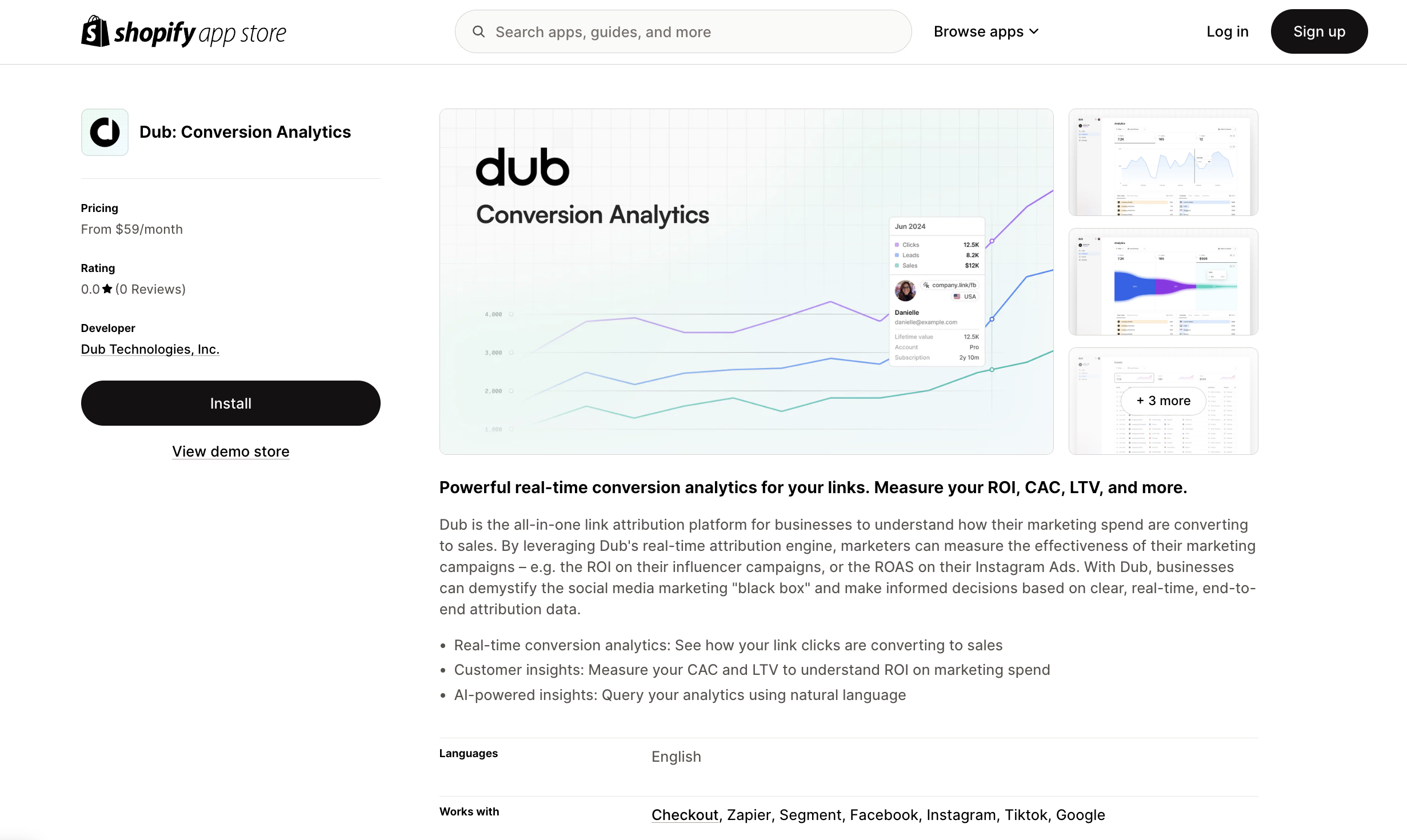
You can add the `@dub/analytics` script to your Shopify store simply by installing the [Dub Shopify App](https://d.to/shopify/app) from the App Store.
 Then, make sure to activate the `@dub/analytics` script by following these steps:
1. Navigate to your Shopify admin panel.
2. Go to **Online Store** > **Themes**.
3. Click on **Customize** for your current theme.
4. In the theme editor, select the **App embeds** tab.
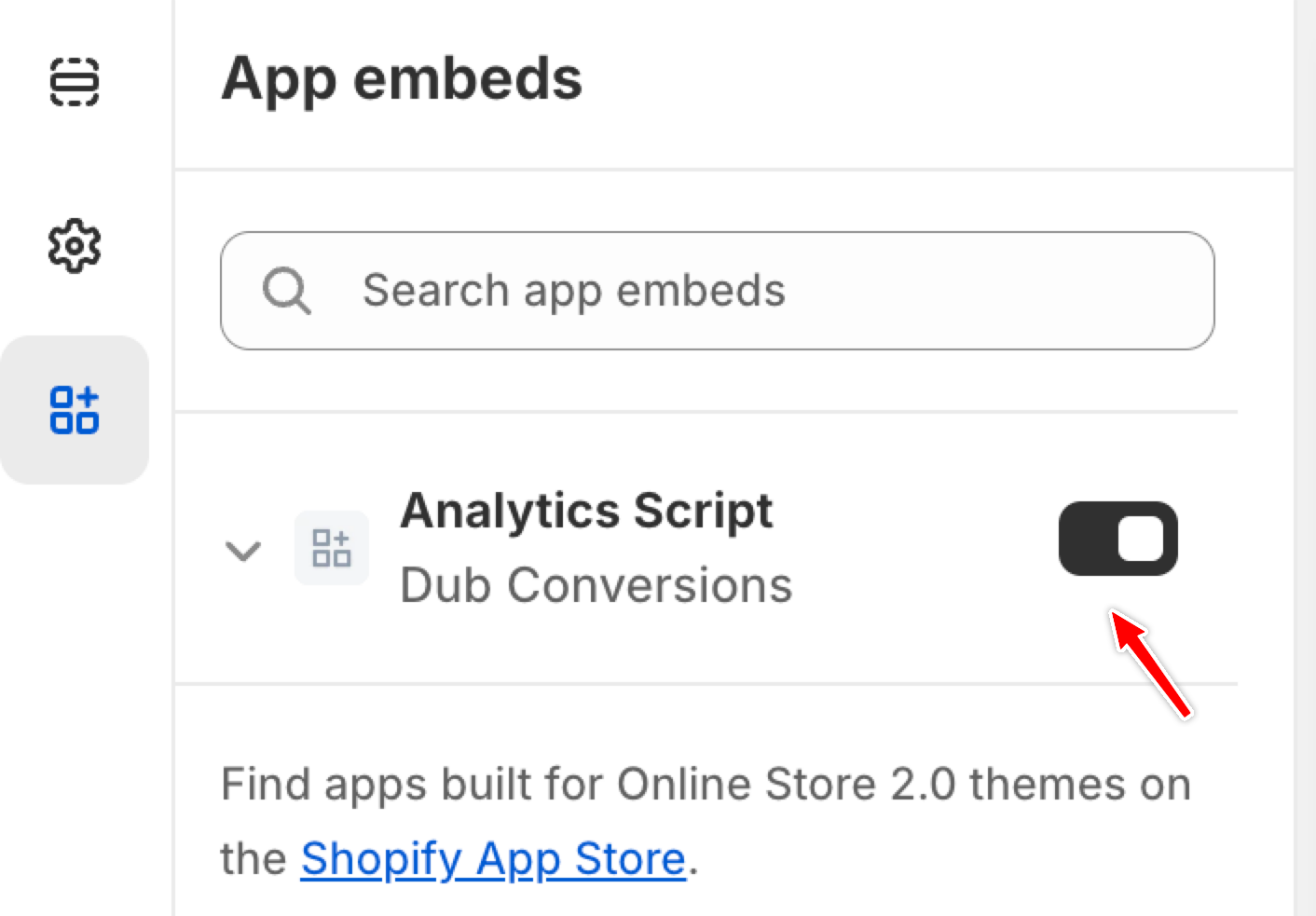
5. Locate the **Analytics Script** for the Dub Conversions app and toggle it to activate.
Then, make sure to activate the `@dub/analytics` script by following these steps:
1. Navigate to your Shopify admin panel.
2. Go to **Online Store** > **Themes**.
3. Click on **Customize** for your current theme.
4. In the theme editor, select the **App embeds** tab.
5. Locate the **Analytics Script** for the Dub Conversions app and toggle it to activate.
 ## Installation video
Here's a video showing how to install and activate the `@dub/analytics` script in your Shopify store:
## Installation video
Here's a video showing how to install and activate the `@dub/analytics` script in your Shopify store: